





Water Sort - Collections
Sort colors and build your art gallery.
Puzzle

Water Sort - Collections
Sort colors and build your art gallery.
Puzzle
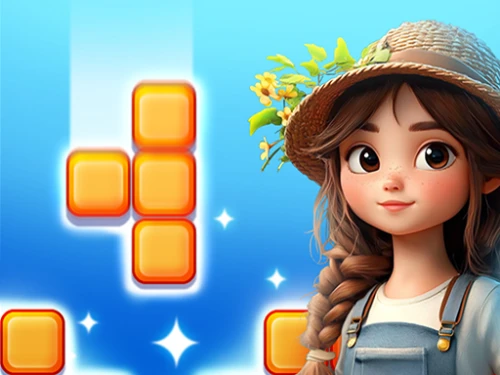
Garden Block Puzzle
Solve puzzles to bring your garden back to life.
Puzzle
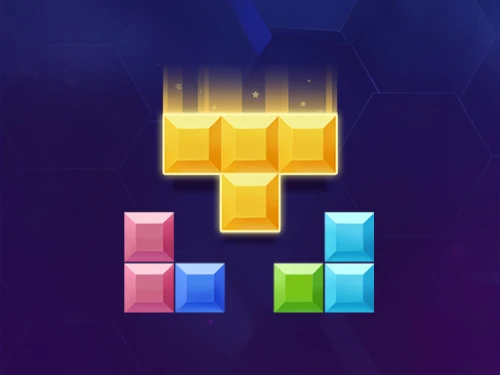
Happy Blocks
Arrange colorful shapes on the grid and clear lines for high scores!
Puzzle
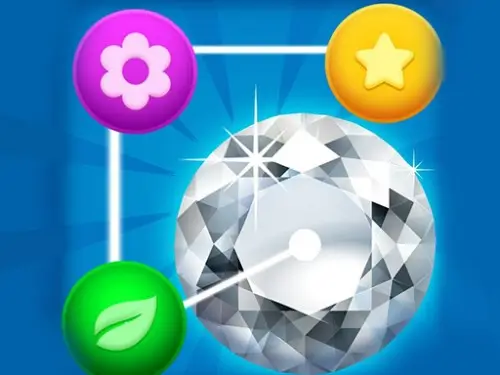
Jewelry Match Puzzle
Match dazzling gems, solve endless puzzles
Puzzle
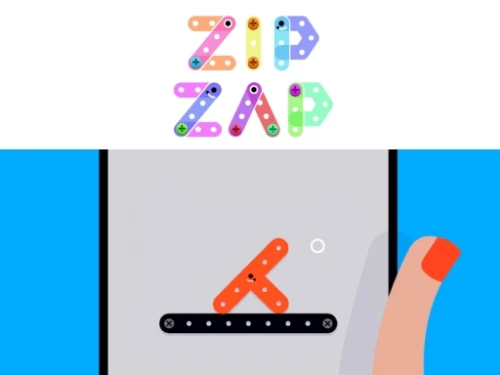
Zip Zap
Tap to contract, release to reach.
Puzzle
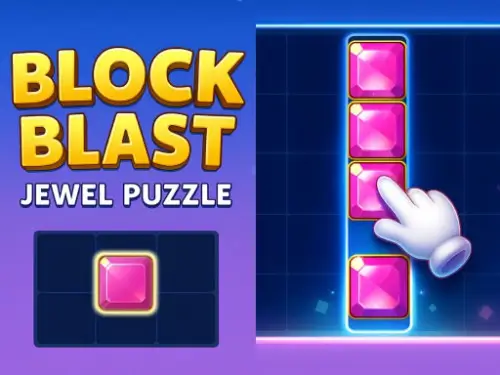
Block Blast Jewel Puzzle
Master the 8x8 grid with brilliant gems in this ultimate high-speed puzzle challenge!
Puzzle
Cube King
Merge numbers, stack cubes, rule the grid
Puzzle
Disassemble the Picture
Tap away blocks to reveal hidden art.
Puzzle
Cosmic Battle RPG
Flip cards, charge mana, battle star monsters
Puzzle
Yummy Trails
Chart the tastiest path and solve clever logic puzzles with your snake friend.
Puzzle
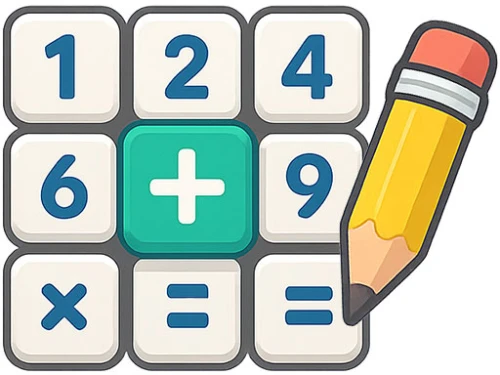
Math Crossword Puzzle - Genius Edition
Master the grid with arithmetic logic and numeric precision.
Puzzle
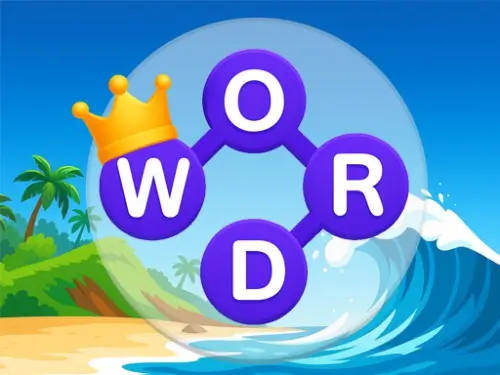
Word Connect Puzzle
Swipe to bridge letters and reveal the hidden path of vocabulary.
Puzzle
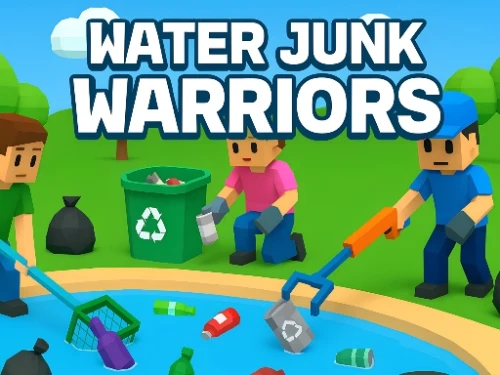
Water Junk Warriors
Clear the waste and restore the natural balance.
Puzzle
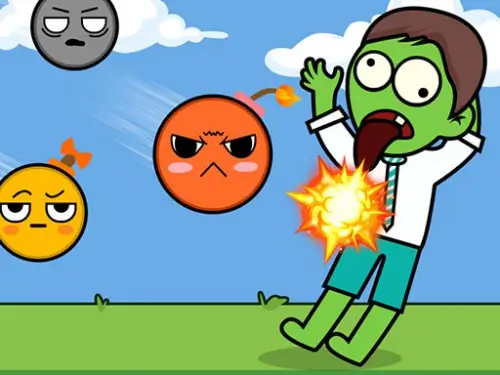
Draw To Smash Zombie
Transform your sketches into lethal physics traps and crush the zombie horde!
Puzzle

Goods Sorting Shopping Master
Organize messy store shelves and complete customer orders!
Puzzle


 0 playing
Fusion 20480 playing
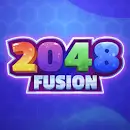
Fusion 2048 redefines the classic logic puzzle by introducing a dynamic physics-based drop mechanic. Instead of sliding tiles on a static grid, you are tasked with dropping numbered blocks into a container. Precision is paramount: when two identical numbers collide, they fuse into a higher value, paving your way toward the legendary 2048 block and beyond.
The game balances casual accessibility with high-stakes strategy. As the container fills up, every decision carries more weight. You must manage your spatial economy effectively, ensuring that smaller blocks don't trap larger ones at the bottom. With its clean aesthetic and responsive controls, Fusion 2048 provides a deeply satisfying loop of strategic planning and kinetic action.
Players navigate the block horizontally at the top of the screen before releasing it into the pit. Merging starts from the smallest values (2, 4, 8...) and requires matching pairs. The Classic Mode focuses on stable cubic stacking, while the Shape Mode introduces non-uniform polygons that can shift and slide, demanding much higher precision. The primary challenge is avoiding the overflow line while maximizing merge efficiency.
1. Foundation First: Aim to keep your highest-value blocks at the base of the container to prevent a top-heavy structure that leads to early game overs.
2. The TNT Save: Save your TNT for the 'red zone'. Clearing a few small blocks at the top can often trigger a massive cascade of merges below.
A: In Shape Mode, blocks aren't perfectly square. Their irregular shapes cause them to roll and tip over, making it much harder to predict where they will land.
A: Drop the TNT block just like a regular number. Upon impact, it will destroy a cluster of nearby blocks to clear the container space.
A: The game continues as long as you can keep merging and prevent the blocks from reaching the top limit.









One-click Login, Play Instantly