








Summer Rider 3D
Ride the waves and conquer the tropical speed.
Driving

Summer Rider 3D
Ride the waves and conquer the tropical speed.
Driving
Racing Veteran
Master the asphalt and claim the motor racing throne!
Driving
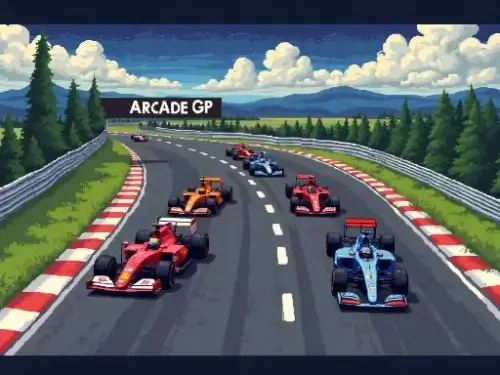
Arcade GP
Master tire degradation and high-speed pit stops to dominate the retro F1 grid!
Driving
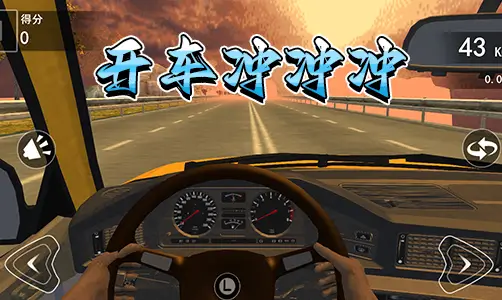
Car Rush 3D
High-speed 3D racing at your fingertips!
Driving
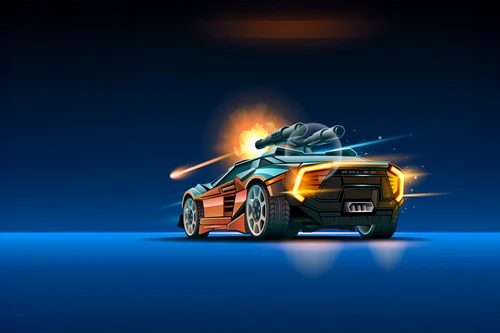
Road Madness
Unleash high-octane destruction on the apocalyptic highway with customizable armored vehicles.
Driving
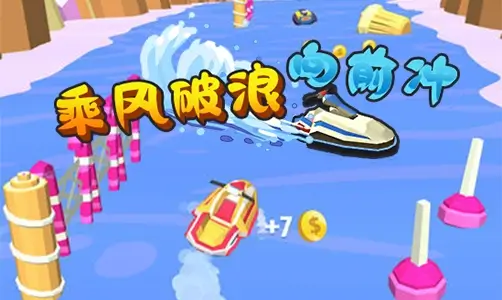
Ride the Waves
Rule the ocean with high-speed boat combat.
Driving
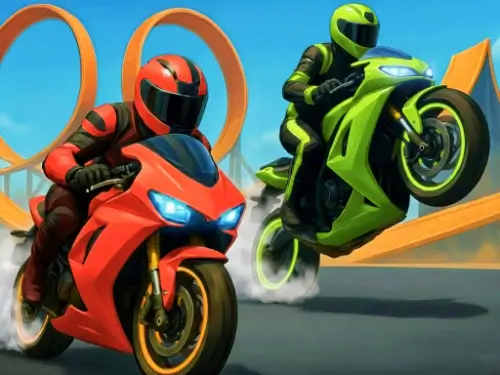
Crazy Bike Stunts PvP
Conquer the stunt city and prove your skills in the ultimate 2-player motorcycle racing challenge.
Driving
Ultimate Traffic Driving Car
Navigate congested highways and master the art of high-speed overtaking and tactical destruction.
Driving
Let's Race Together
Feel the rush, master the highway!
Driving
Hill Racing - Egg drop!
Balance speed and physics to deliver the fragile egg across the finish line.
Driving

Wacky Wheels
Drift, dodge, and dominate wild tracks before time runs out!
Driving
Mountain Rider: Fog Chase
Conquer misty trails and master the rugged peaks!
Driving
Crazy Stunts 3D
Master vertical mega ramps and perform gravity-defying jumps.
Driving
COUNTERFLOW
Dodge the rush, master the reverse drift
Driving
Cosmo Void
Navigate the void and master the speed.
Driving


 0 playing
Arcade GP0 playing
In Arcade GP, raw speed alone won't secure you the trophy. This tactical F1 racing simulator marries classic top-down retro visuals with modern, deep motorsport management. Facing aggressive AI drivers on high-intensity circuits, your path to victory lies in careful management of mechanical wear, split-second overtaking strategies, and executing lightning-fast pit stops.
Controlling your vehicle requires constant micro-adjustments to the throttle and steering. As the race develops, your tire wear HUD indicator will deplete. Worn tires will cause your Formula car to drift and spin out on tight corners. When calling for a pit stop, you will enter a mechanical minigame where quick reflexes on assigned hotkeys determine how quickly you can re-enter the race track.
Avoid triggering your ERS boost mid-corner, as the sudden surge in horsepower will cause your rear wheels to lose traction, leading to a costly spin. Instead, deploy ERS once your steering wheel is completely straight out of a corner. For the pit stop minigame, resting your fingers on the 7, 9, 1, and 3 keys on your keyboard beforehand will help you complete the wheel swaps ahead of the AI.
Watch the color of your tires in the dashboard. Once the tires turn red and the car starts sliding out on easy turns, press the P key before crossing the finish line to enter the pit lane.
The ERS battery naturally recharges during deceleration phases and when you lift off the accelerator. Smooth corner entries will give you more boost for the straights.
Yes. The game is fully optimized for mobile browsers in landscape orientation, offering a virtual steering wheel, throttle slider, and dedicated PIT/Overtake touch buttons.













One-click Login, Play Instantly