








Idle Money Factory
Build your financial empire from a single workstation to a fully automated minting complex.
Casual

Idle Money Factory
Build your financial empire from a single workstation to a fully automated minting complex.
Casual
Dino Game
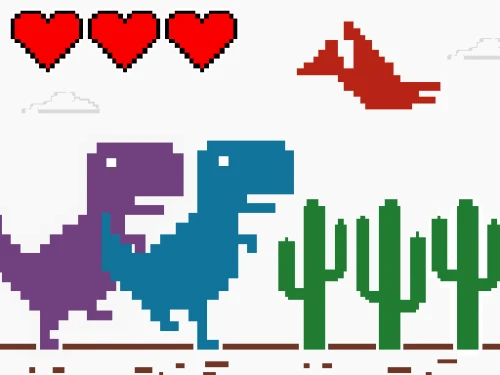
Classic dino run upgraded with 1-3 player local co-op!
Casual
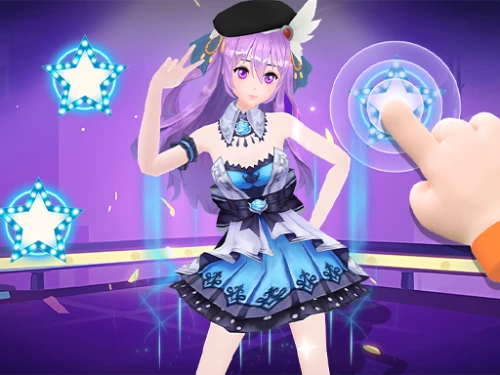
Dance On Hotsteps Mobile
Follow the beat and own the spotlight.
Casual

Giftbound Runner
Dash through snow, collect magical gifts
Casual
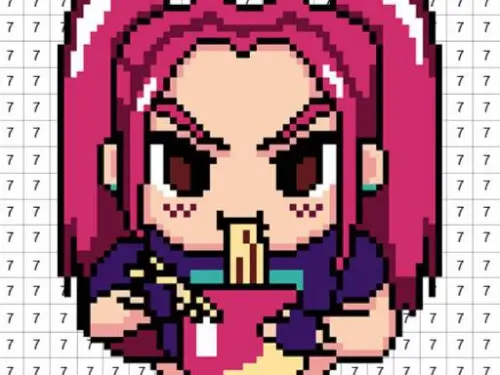
Pixel Number - DIY Coloring
Bring pixel art to life with color and creativity in this ultimate stress-relief experience.
Casual

Snake Battle
Grow big, trap enemies, rule the arena
Casual

Invincible Snake
Swift snake maneuvers, eat to grow and avoid danger
Casual
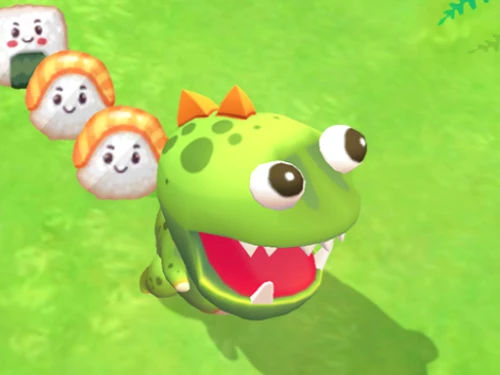
Monster Arena
Eat, grow, and dominate the monster island!
Casual

Elytra Flight
Master the physics of momentum in an endless aerial odyssey!
Casual

Gold Miner
Classic version, time-limited gold rush challenge
Casual

My kitties. Catworld
Master the art of color mixing to collect rare neon kittens in this cozy simulator.
Casual

Food Truck Chef Cooking
Master the grill and build your global food truck empire!
Casual
Obby Pinata Party
Smash pinatas and collect massive loot!
Casual
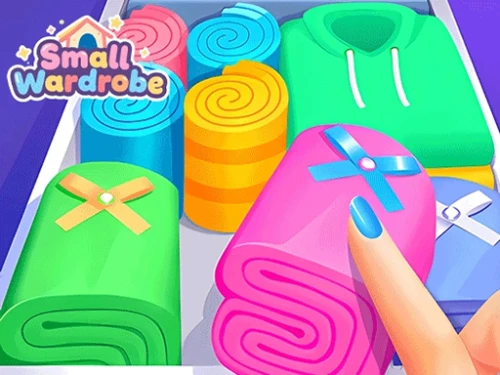
Small Wardrobe
Sort, style, and store in your dream doll closet.
Casual

Geometry Dash Jump
Sync with the beat, dash through the neon.
Casual



 0 playing

Tap To Color: Painting Book0 playing
Tap To Color: Painting Book is a soothing digital art simulator designed for pure relaxation. No artistic training is required; simply choose from an extensive illustration gallery and bring black-and-white sketches to life with a single touch. From adorable animals to intricate patterns, the game offers a wide variety of themes that foster a true state of flow. It is the perfect digital companion for winding down after a long day or finding a moment of calm during a busy commute.
The coloring loop is intuitive and rewarding. Once an image is selected from the menu, the bottom of the screen displays the available color pots. Players simply pick a hue and tap on any uncolored segment of the drawing. The zoom functionality allows for precision work on tiny details, ensuring no spot is left blank. The game rewards patience and focus, turning a blank slate into a vibrant artwork through simple, rhythmic interaction.
1. Color Layering: Start with the background or larger sections to set the mood of the piece before focusing on the finer details.
2. Palette Experimentation: Don't be afraid to overwrite colors; sometimes a bold new shade can completely change the energy of your illustration.
A: While similar, it offers more freedom by allowing you to choose your own colors for each section rather than following fixed numbers.
A: Yes! The game is fully optimized for mobile browsers with responsive touch controls.
A: No, there is no timer. This is a meditative experience designed for you to enjoy at your own pace.
















One-click Login, Play Instantly